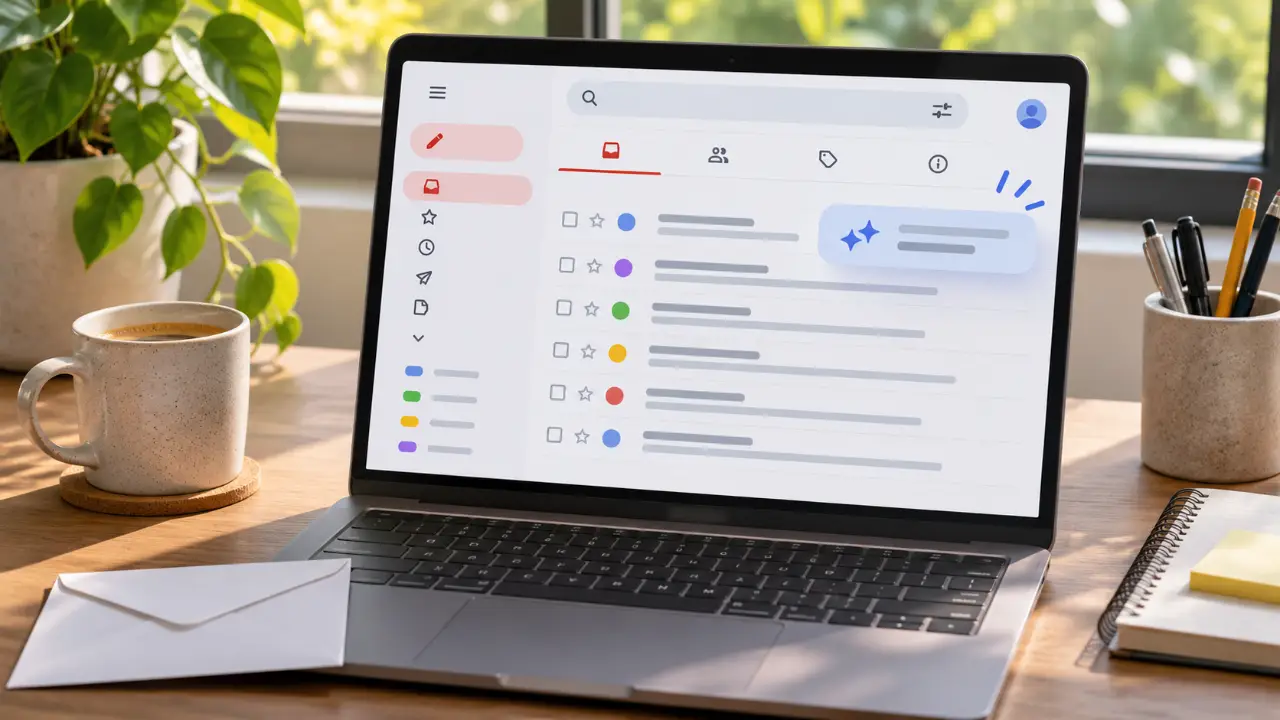
Inbox at a Glance
Gmail now offers summary cards at the top of your emails, providing key details without needing to open each message. This feature helps you quickly grasp the essence of incoming communication, saving valuable time when managing a busy inbox. It's a subtle yet effective way to stay on top of your correspondence.
Gemini enhances writing, search, and email summaries.
Blocks over 99.9% of threats.
AI-Powered Search and Organization
Leverage the power of Gemini to search not only your inbox but also your Google Drive files. Ask natural language questions to find specific information swiftly. This advanced search capability transforms how you retrieve data, making it more intuitive and efficient than traditional keyword searches.
 GmailCommunication 4.110B+View app
Intelligent Writing Assistance
Gemini acts as your AI-powered writing assistant within Gmail. Features like 'Help me write' and contextual Smart Reply offer suggestions and help draft responses. This boosts productivity by reducing the time spent composing emails, ensuring clearer and more effective communication.
Seamless Multi-Account and Security
Easily switch between multiple accounts from different email providers. Rest assured, Gmail automatically blocks over 99.9% of spam, phishing, and malware, offering robust security. The 'Add to Calendar' button also integrates with Gemini to create event invites directly from your inbox.
Workspace Productivity Features
For Google Workspace users, premium AI features and the latest Gemini capabilities enhance productivity. Collaborate seamlessly, manage tasks, and utilize enterprise-grade security controls, all within the familiar Gmail interface. It's designed for efficient teamwork and secure communication.
Reporting based on Gmail Help Center - Google Workspace · Google Workspace. Feature availability may change.